Website Redesign vs. Rebuild: A Migration SEO Checklist
Learn whether to redesign or rebuild your site and use our comprehensive migration SEO checklist to protect your organic traffic and rankings during the move.
Redesign vs. Rebuild: Choosing the Right Path for 2026
Many business owners use the terms redesign and rebuild interchangeably, but from a technical and SEO perspective, they are very different projects. A redesign is essentially a cosmetic facelift. You keep your current Content Management System (CMS), your URL structure stays the same, and your underlying code remains largely untouched. You are simply updating the CSS, images, and perhaps some layout elements to improve the user experience (UX).
A rebuild, or a site migration, is a structural overhaul. This often involves moving to a new platform—such as migrating from a proprietary builder to WordPress—changing your URL structure, or rewriting the entire codebase from scratch. While a rebuild offers the most flexibility to fix deep-seated performance issues, it carries a much higher risk for your search rankings. If you change your URLs without a proper plan, Google will see your new site as a collection of missing pages, and your organic traffic will vanish overnight.
Deciding which path to take depends on your goals. If your site is fast and ranks well but looks dated, a redesign is usually sufficient. However, if your site is built on legacy code that makes it impossible to pass Core Web Vitals, or if your current CMS limits your ability to scale, a rebuild is a necessary investment for 2026. Regardless of the path, protecting your search equity must be your top priority.
The Critical Website Migration SEO Checklist
When you move from an old site to a new one, you are essentially telling search engines that your content has moved to a new home. If you don’t provide a clear map, search engines get lost. This website migration SEO checklist covers the essential technical steps to ensure your rankings stay intact during the transition.
1. Crawl and Benchmark the Existing Site
Before a single line of code is written for the new site, you need a complete snapshot of the current one. Use a crawling tool to export a list of every live URL, every image file, and every PDF. You also need to pull data from Google Search Console to identify your top-performing pages. These are your ‘crown jewels’—the pages that drive the most traffic and backlinks. You cannot afford to lose the SEO value of these URLs during the move.
2. Map Your 301 Redirects
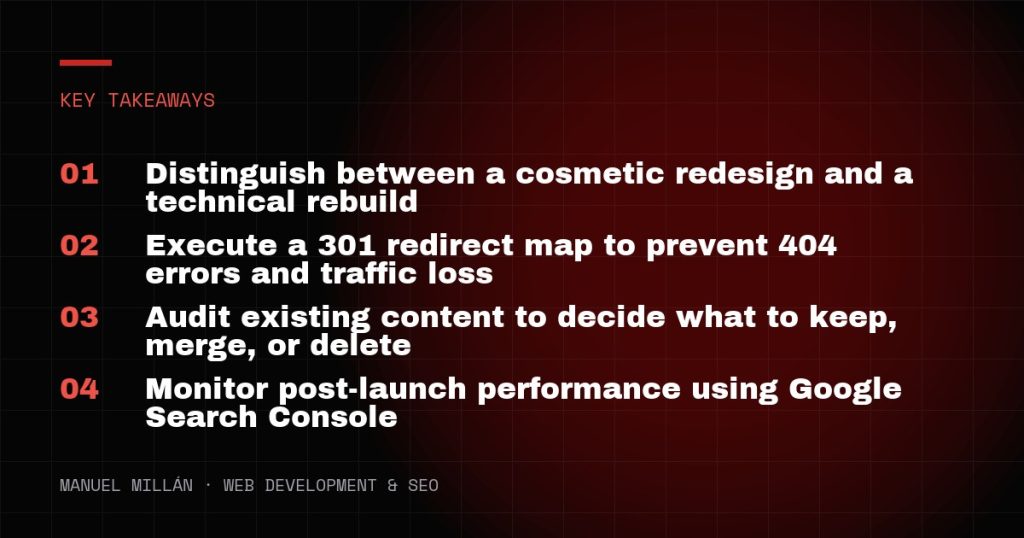
This is the most important step in any migration. A 301 redirect tells search engines that a page has permanently moved to a new location. You should create a spreadsheet with two columns: ‘Old URL’ and ‘New URL’. Every single page from your old site must point to its most relevant equivalent on the new site. Never simply redirect everything to the homepage; this provides a poor user experience and signals to Google that the content was essentially deleted, which will hurt your rankings.
3. Audit Your Metadata and On-Page Elements
During a rebuild, it is common for developers to focus on the design and forget the SEO metadata. Ensure that your H1 tags, meta titles, and meta descriptions are carried over to the new site, or improved upon. If a page was ranking well for a specific keyword because of its header structure, changing those headers during a migration can cause that page to drop in the SERPs.

Content Auditing: What Stays and What Goes
A website migration is the perfect time to perform a content audit. You don’t necessarily want to migrate every single blog post or landing page you’ve created over the last five years. Some content may be outdated, thin, or no longer relevant to your business goals. I recommend categorizing your content into four buckets: Keep, Improve, Merge, or Delete.
Keep: High-performing content that currently ranks and drives leads. Leave these alone as much as possible during the migration.
Improve: Content that has potential but is currently ranking on page two or three of Google. Update the statistics, add new images, and optimize for 2026 search intent.
Merge: If you have three short blog posts about the same topic, merge them into one authoritative ‘pillar’ page. This prevents keyword cannibalization.
Delete: Content that has zero traffic, zero backlinks, and no relevance. If you delete a page, remember to redirect its URL to the most relevant parent category to preserve any residual link equity.
Testing in a Staging Environment
Never launch a new site or a major redesign directly to your live domain. All development should happen on a staging site that is hidden from search engines. You can use a ‘noindex’ tag or password protection to ensure Google doesn’t crawl the site while it is under construction. While in staging, test your 301 redirects, check for broken internal links, and run speed tests. For a US-based business, ensuring your site loads in under two seconds is a baseline requirement for both SEO and conversion rates.
Check your mobile responsiveness thoroughly. Google uses mobile-first indexing, meaning it primarily looks at the mobile version of your site to determine rankings. If your new design looks great on a desktop but has overlapping text or tiny buttons on an iPhone, your rankings will suffer regardless of how well you handled the technical migration.
Post-Launch Monitoring and Error Correction
The work doesn’t end the moment you hit ‘publish’. The first 48 hours after a migration are critical. Start by updating your robots.txt file to ensure search engines are allowed to crawl the new site. Submit your new XML sitemap to Google Search Console and Bing Webmaster Tools to alert them to the changes.
Monitor the ‘Crawl Stats’ and ‘Indexing’ reports in Search Console daily for the first two weeks. Look for a spike in 404 errors—this usually indicates a redirect you missed in your initial mapping. Also, keep a close eye on your organic traffic. A small, temporary dip of 5% to 10% is common as Google re-indexes the new structure, but a sustained drop of 20% or more indicates a technical failure that needs immediate investigation.
Finally, check your tracking codes. It is a common mistake to launch a beautiful new site only to realize three days later that your Google Analytics or Facebook Pixel wasn’t installed correctly, leaving you with a gap in your data. Ensure all conversion tracking for forms, phone calls, and e-commerce transactions is firing properly in your new environment.
A Successful Transition Requires Planning
Whether you are opting for a visual redesign or a full technical rebuild, the goal is to improve your business’s bottom line without sacrificing the search visibility you have worked hard to build. By following a structured migration SEO checklist, you can identify potential risks before they become costly mistakes. Focus on maintaining a logical URL structure, mapping your redirects carefully, and auditing your content for quality. A well-executed migration is not just about avoiding a loss; it is an opportunity to build a faster, more accessible, and more competitive website for 2026.
Need a reliable web partner?
I design and build fast, SEO-ready websites for businesses and agencies, including white-label projects. Tell me about yours.
Let's talk