The Real Cost of Skipping WordPress Maintenance in 2026
Learn why deferred WordPress updates lead to security breaches, performance drops, and high repair costs for your small business website in 2026.
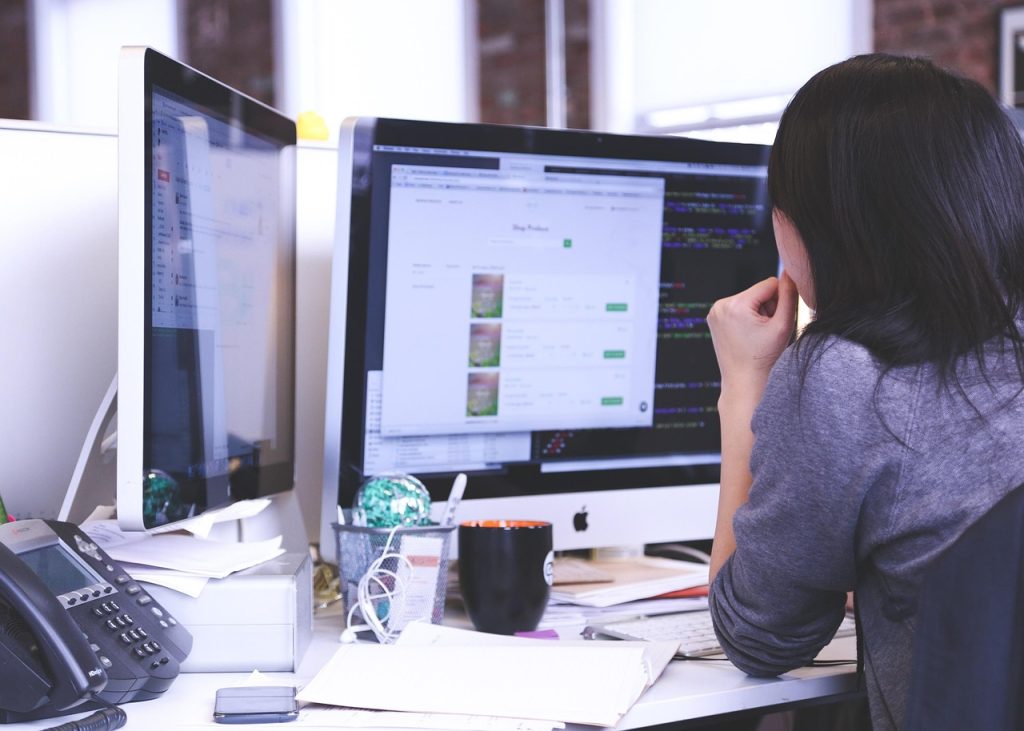
Many business owners view the red notification bubbles in their WordPress dashboard as minor suggestions rather than urgent warnings. When operations are busy, clicking update feels like a risk you do not have time to manage, so the task gets pushed to next month. Unfortunately, ignoring these updates creates a compounding cycle of security risks and technical debt that eventually costs more to fix than the original maintenance would have required.
By 2026, WordPress powers a vast majority of the web, making it a primary target for automated scripts designed to find and exploit known vulnerabilities. If you are running a version of a plugin from six months ago, you are likely leaving a back door open for malicious actors. This article breaks down the specific consequences of deferred maintenance and provides a framework to keep your site secure and fast.
The Security Gap: How Outdated Plugins Invite Hackers
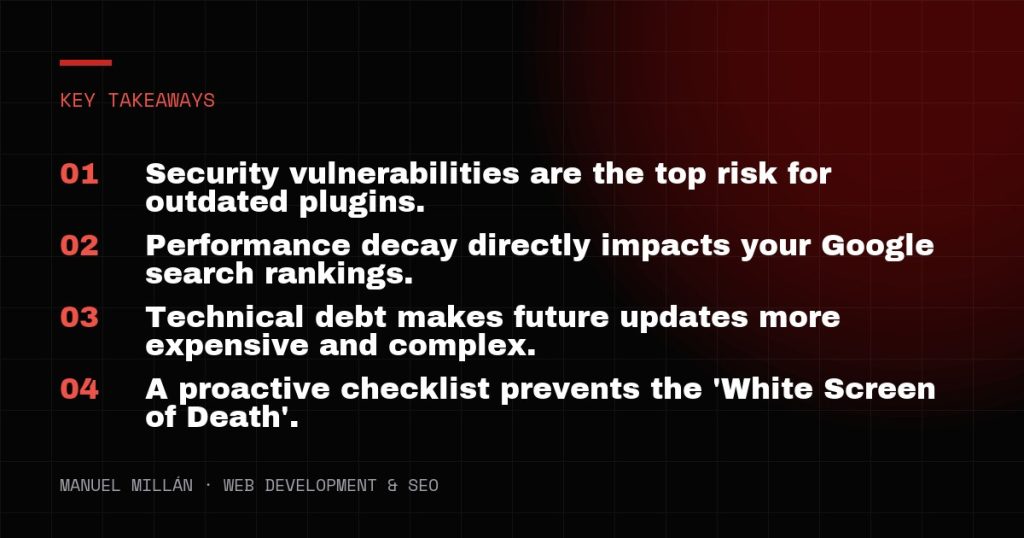
The most immediate danger of skipping updates is a security breach. WordPress core, themes, and plugins are frequently updated to patch security holes. When a developer releases a security patch, they are essentially telling the world exactly where the vulnerability was. Hackers use this information to create bots that crawl the internet looking for websites still running the old, vulnerable version.
If a site is compromised, the costs are significant. You may face a total loss of data, a blacklisting by Google, or the theft of customer information. For a US-based small business, the reputation damage of a hacked site can be harder to recover from than the technical issues. Clean-up services for a hacked site often range from $500 to $2,500 depending on the severity, which far exceeds the cost of a monthly maintenance plan. Proactive updates are your first line of defense against these automated attacks.
Performance Decay and the Impact on SEO
A website that is not maintained will eventually slow down. Over time, your WordPress database accumulates unnecessary data, such as expired transients, old post revisions, and orphaned plugin metadata. Without regular optimization, these files increase the time it takes for your server to respond to a user request. This is particularly critical in 2026, as Google’s Core Web Vitals remain a major ranking factor.
Slow loading times lead to higher bounce rates. If a potential client in the US clicks your link and the page takes four seconds to load, they will likely return to the search results to find a competitor. Furthermore, outdated themes often use inefficient code that clashes with modern browser standards. Maintenance is not just about security; it is about keeping the site lean so it continues to rank well and convert visitors into customers.
The Snowball Effect of Technical Debt
Technical debt refers to the future cost of choosing an easy solution now instead of a better approach that takes longer. In the context of WordPress, skipping updates is the ultimate form of technical debt. Updating a plugin from version 1.1 to 1.2 is usually seamless. However, trying to update a plugin from version 1.1 to 5.0 after three years of neglect is a recipe for disaster.
When you jump across multiple major versions, the risk of the site breaking—often called the White Screen of Death—increases exponentially. The code changes so much between versions that the new plugin may no longer be compatible with your current theme or your version of PHP. Developers often charge premium hourly rates, ranging from $150 to $300 per hour, to fix these complex compatibility issues. Regular maintenance ensures that these transitions happen in small, manageable increments rather than one massive, site-breaking event.
Plugin Conflicts and Server Environment Changes
Your website does not exist in a vacuum. It sits on a server that is also being updated. Managed WordPress hosts in the US frequently update their server software, such as moving to newer versions of PHP (like 8.3 or 8.4) to improve speed and security. If your website code is outdated, it may not be compatible with these newer server environments.
A common scenario involves a hosting company forcing a PHP update for security reasons, which then causes an old, unmaintained plugin to crash the entire site. This often happens at the most inconvenient times, such as during a marketing campaign or a holiday weekend. By keeping your site maintained, you ensure that your code stays compatible with the modern infrastructure provided by your host, preventing unexpected downtime.

A Professional WordPress maintenance checklist for 2026
To avoid the pitfalls of neglect, you need a consistent process. While some updates are simple, others require a more careful touch to ensure nothing breaks. Here is a WordPress maintenance checklist that every business owner or site manager should follow monthly:
- Full Off-site Backups: Before touching a single update, ensure you have a full backup of your files and database stored somewhere other than your web server.
- Staging Environment Sync: For complex sites, always push updates to a staging environment first. This allows you to catch errors before they affect live users.
- Core, Theme, and Plugin Updates: Update the WordPress core first, followed by your theme, and then your plugins. This order helps isolate the cause if something fails.
- Visual Regression Testing: After updating, manually check your key pages (Home, Contact, Services) to ensure the layout remains intact.
- Database Optimization: Use a tool to clear out old post revisions and optimize database tables to keep the site snappy.
- Security Scanning: Run a deep scan to check for file changes or unauthorized logins that might have occurred since the last check.
- Link and Form Check: Verify that your contact forms are still sending emails and that no critical links have broken due to script changes.
Practical Conclusion
Skipping WordPress maintenance is a gamble where the stakes increase every month. The time saved by ignoring updates is eventually lost to emergency repairs, lost search engine rankings, and potential security crises. Implementing a consistent maintenance schedule ensures your website remains a reliable asset for your business rather than a liability. If managing this internally is not feasible, partnering with a professional ensures these technical requirements are met without interrupting your daily operations.
Need a reliable web partner?
I design and build fast, SEO-ready websites for businesses and agencies, including white-label projects. Tell me about yours.
Let's talk